BodyMetricsFree · by DietHelper
Log inDuring your workout
Assessment & preparation
Builder: free account required to launch or save a workout.
Getting started with BodyMetrics
Choose a tool
During your workout: Use PLC to set your training load, Tempo to control movement speed, and Tabata or HIIT Timer to manage intervals.
To plan your training: build a workout in the Builder, view demonstrations and guidance in the Exercise Library, or explore how muscles work in the Atlas.
For nutrition: use MacroScan to see the calories, protein, carbohydrates and fat in a food portion.
Use and keep your assessment
Enter your profile, then complete the sections you need: energy, body fat, measurements and daily rhythm.
Your entries are kept when switching between the assessment and the tool hub while this page stays open. They are not saved to your account.
To keep your results, prepare the report in the assessment, then print it or save it as a PDF from the print dialog.
Free account and Builder
Build a workout without signing in. A free account is required to launch it in the Player or save it. Use the Atlas and Exercise Library without an account.
Add your logo and up to 5 instruction or video cards. Videos must be hosted elsewhere and provided through a direct link to the video file.
Saved workouts stay in this browser: up to 3 workouts, with no syncing across your devices. Clearing your browser data deletes these saves. Sharing a workout with a client via a link is a Pro feature.
Free tools stay free, with no subscription or trial period. Your free account is separate from the Pro trial.
Watch the BodyMetrics tutorials (new tab)Your assessment. Your workouts. Your free tools.
Assess your starting point, plan your workouts and find suitable exercises.
A free assessment, a report to keep
Printable report or PDF.
Plan your training
These three tools are completely free, with no subscription or trial period. Use the Atlas and Exercise Library without an account.
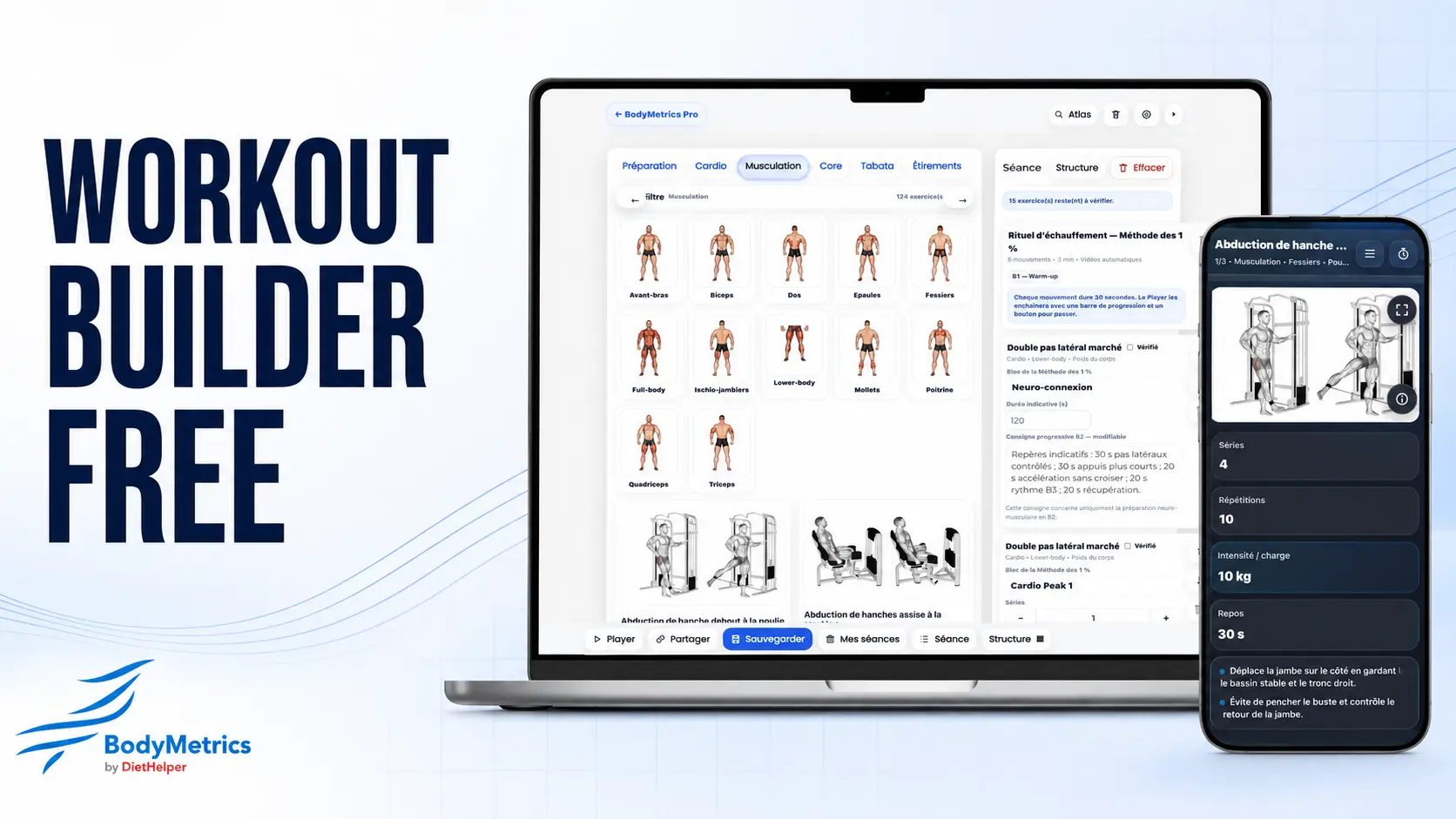
Workout Builder Free
Choose your exercises, add your logo and up to 5 instruction or video cards, then try the workout in the Player.
Free account required only to launch your workout in the Player or save it. Build a workout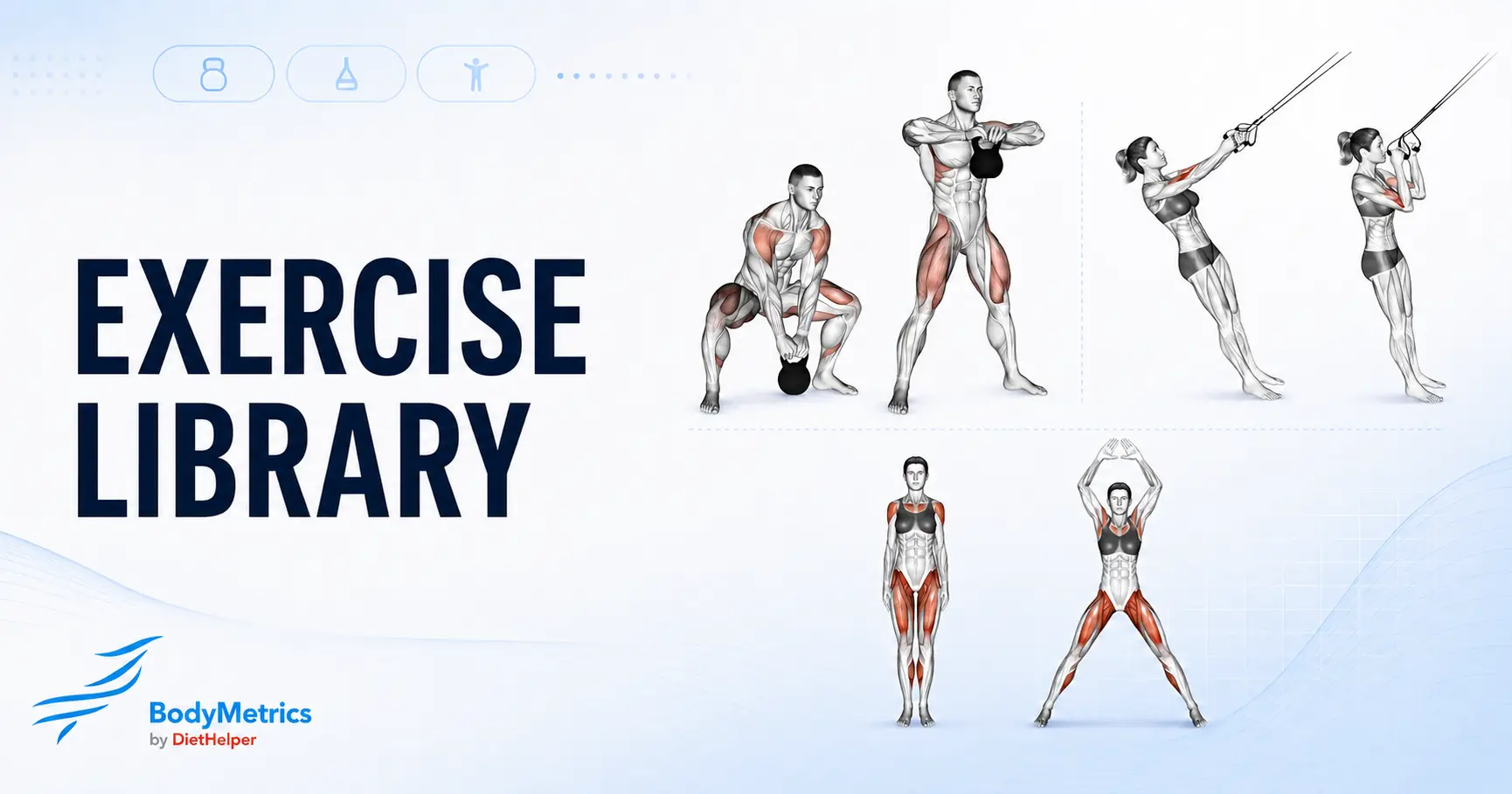
Exercise Library
Find an exercise and view its demonstration and technical guidance.
Search by muscle group, category and equipment Explore exercises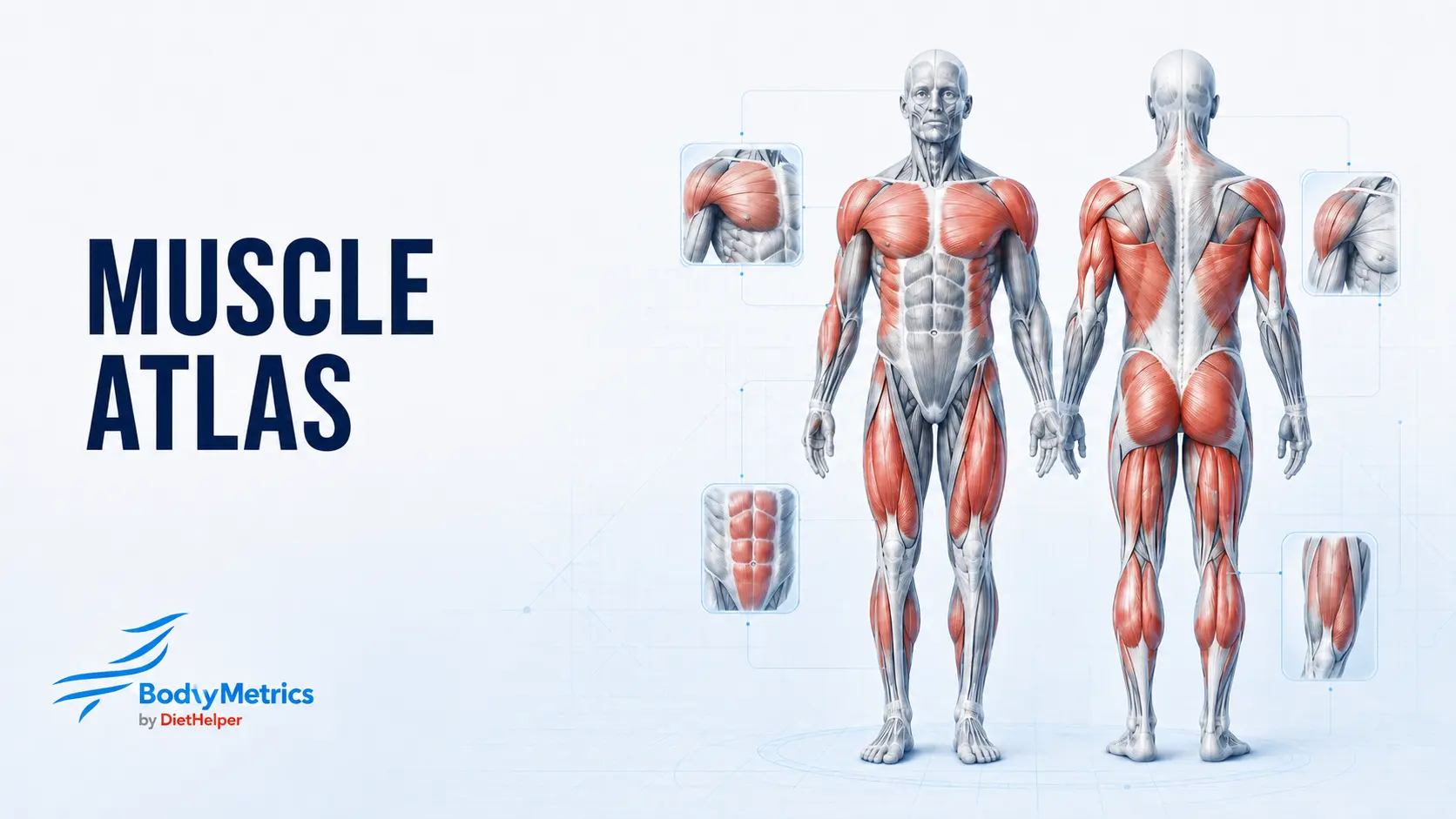
Muscle Atlas
Locate muscles, understand their role and explore the anatomy guides.
Anatomy and movement guides Open the AtlasWhat you can do with the free builder
Build your workout without signing in: organize your exercises and insert instruction or video cards. Sign in with a free account to launch it with your logo in the Player or save it.
You can save up to 3 workouts in this browser. Signing in does not sync these saves across your devices; clearing your browser data deletes them.
For videos, use a direct link to a file hosted elsewhere. The free builder does not host your videos. Sharing a workout with a client via a link is a Pro feature.
Nutrition and workout tools
Free tools
Load, tempo and intervals
From assessment to coaching
Build a fuller picture of your clients, prepare your recommendations and share their workouts.
- Build fuller assessments with additional guidance.
- Prepare client support with the AI assistant.
- Send guided workouts to your clients by link.
A more detailed client assessment
Add lifestyle habits, health considerations, movement guidance and heart-rate zones to your measurements.
Prepare client support with AI
Prepare a summary of the client questionnaire and coaching suggestions to review and adapt.
Workouts you can send to your clients
Share a workout with your logo, instructions and hosted videos by link, ready to follow in the Player on a phone.
Complete daily meal plans
Build and print a daily meal plan with nutritional totals from MacroScan Pro.
What does the Pro assessment add?
Choose which sections to include in the report to suit your coaching needs.
- Health screening and client needs
- Record health considerations, goals, habits and practical constraints to prepare your coaching approach.
- Cardio Engine
- Estimate heart-rate zones from age and resting heart rate. Cardio guidance is integrated into the assessment and can be included in the report. Zone 4 is highlighted for the 4 × 4 intervals.
- MyoFiber
- Perform a physical test at 80% of the estimated one-repetition maximum (1RM), then enter the number of repetitions completed to obtain training guidance. This test does not directly measure muscle fibers.
- LevierMap
- Combine body proportions and movement observations to guide setup, range of motion and exercise choices to try with the client.
- EnergyScope Pro
- Fine-tune the activity level with a slider rather than the three preset levels in the Free assessment.
€24.99 / month
14-day Pro trial, no credit card required
and no automatic renewal.
Your access to Free tools stays free, whether you try Pro or not.
Created by Ludovic Peene, fitness coach since 2009 and author of Conseils de coachs, published by Vigot.
 Assessment workspace
BodyMetrics Assessment
Body measurements, energy needs and daily rhythm. Every section is optional.
Prepare the report
First and last names are optional. The report can also remain anonymous.
The report includes available results, explanations and CircaTest recommendations once all 19 questions are complete. In the next dialog, choose a printer or save as PDF.
The name, profile, measurements, settings and CircaTest answers will be cleared.
Measurements & body frame
Enter only the measurements relevant to the assessment.
Weight and height for BMI; sex and height for body frame.
These two measurements are optional when checking BMI.
How to measure waist circumference
Stand upright and measure at navel level after a normal exhalation.
Use the same measurement point for future assessments.How to measure elbow breadth
With the elbow bent to approximately 45°, use a sliding caliper to measure the distance between the two bony prominences. Enter the breadth in millimeters.
Ideally, repeat the measurement 2 to 3 times and use the average.Enter weight and height in the profile.
Enter elbow breadth to estimate body frame.
Understanding body frame
The thresholds used appear after sex, height and elbow breadth have been entered.
This estimate describes body frame; it does not determine athletic ability.BMI does not distinguish fat mass from muscle mass.
BodyFat Blueprint
Choose a protocol, then enter the skinfold measurements.
Body weight is used to calculate fat and lean mass in kg. Body-fat percentage can be estimated without it.
Measurement guidance
Enter body weight to convert the body-fat estimate into kilograms.
Understanding fat and lean mass
Fat mass is calculated from body weight and the estimated body-fat percentage. Lean mass is the remaining weight: it includes more than just muscle.
Estimate based on the selected protocol. Use the same protocol when comparing measurements.
EnergyScope Tracker
For ages 19–78. Complete the profile, then select an activity level and a goal.
No skinfold or waist measurement is required.
Which factors are used?
Sedentary: × 1.35 · Active: × 1.55 · Vigorous: × 1.75.
These three factors are practical approximations of daily activity. They are not part of the Mifflin–St Jeor equation.Mifflin–St Jeor estimates resting energy expenditure. Daily expenditure and target intake remain estimates to adjust based on actual progress.
Method and limitations
The original study included adults aged 19 to 78. EnergyScope uses this age range; it does not guarantee accuracy for every individual.
Maintenance: estimated expenditure. Deficit: −15%. Surplus: +10%. These are starting estimates to adjust to individual needs.
No automatic target is provided at 1,200 kcal/day or below, and no deficit is proposed for a BMI below 18.5. These are limits of the tool, not universal nutritional safety thresholds.
Reference: Mifflin et al., 1990, A new predictive equation for resting energy expenditure in healthy individuals. PMID: 2305711.
CircaTest · 19 questions
19 questions to explore the person’s natural daily rhythm.
No body measurements are needed. The questionnaire is optional.
Answer for yourself or the person being assessed. Imagine a schedule with no external commitments and focus on natural preferences.
The result remains available when switching between sections.
Answers are kept while other sections are being viewed.
How to answer
Choose the answer that best reflects natural preferences. Select “Confirm and continue” to move on, or “Previous” to review an earlier answer.
This adapted 19-question assessment suggests a daily rhythm tendency to consider alongside everyday life. It is not a standardized version of the Morningness–Eveningness Questionnaire (MEQ).Clear the CircaTest answers? Body measurements will be kept.
The result will appear after all 19 questions.
Answers to this questionnaire do not change body or energy calculations.
Daily timing suggestions
Use these suggestions as a starting point. Adjust them to suit daily commitments and how the person feels.