
Calculate calories, macros and ISE with MacroScan™
Search for a food, enter the real portion size and instantly get calories, protein, carbs, fats, fiber and the Estimated Satiety Index.
MacroScan Free calculates the nutritional values of one food for a real portion.
With MacroScan Lite, combine several foods into meals and build a full-day meal plan.
Calculate what is actually consumed
Values are adjusted to the weight entered, not limited to a theoretical average per 100 g.
Compare more than calories
MacroScan™ also displays protein, carbs, fats, fiber and the Estimated Satiety Index.
Build a full-day meal plan
With MacroScan Lite, combine foods into meals and build a complete meal plan for the day.
Why use MacroScan™?

Fast & private
The calculation is instant and does not require sending client data.

Gram-level precision
You work with the real portion, not a generic value per 100 g.

Comparative ISE
The Estimated Satiety Index helps compare the satiety potential of different foods.

Mobile-first
The tool remains easy to use on a smartphone to check a portion on the go.
What is the ISE?
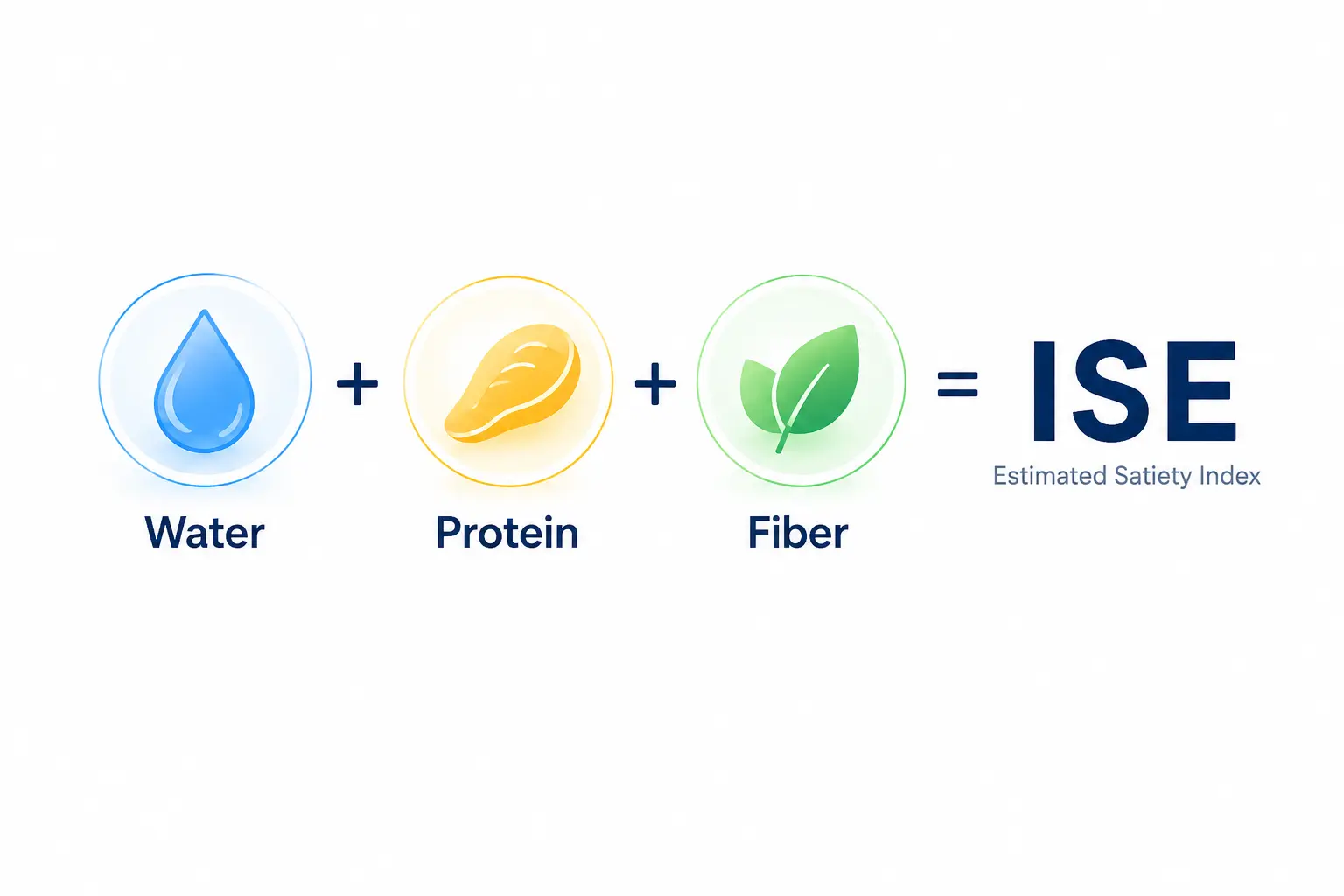
The Estimated Satiety Index is a value used by DietHelper™ to compare the potential satiety effect of different foods.
It combines water, protein and fiber in an internal formula, adjusted to the entered portion.
FAQ
What is the difference between MacroScan Free and Lite?
Both versions include the complete food database. MacroScan Free calculates one food for the portion you choose. MacroScan Lite combines foods into meals, builds the day and displays its nutritional totals.
How is this different from calories per 100 g?
MacroScan™ adjusts values to the real portion. The result becomes more practical when comparing a meal, a snack or a client portion.
Why do my values differ from the nutrition label?
Official databases use representative averages. Some packaged foods may be enriched, processed or formulated differently depending on the brand.
Can I use it during client consultations?
Yes. The tool can be used as a quick support to check a portion, explain differences between foods or prepare a nutrition decision.
What are the sources?
Data comes from reference food databases such as CIQUAL / ANSES / NEVO / ASIANFOODS / MCCANCE, depending on the version and language.
Turn portion checks into client-ready decisions
MacroScan™ is useful for checking a portion. DietHelper™ Offline goes further: meal plans, client follow-up, nutrition structure and coaching tools.
👇
Download DietHelper™ — free trial versionReference points used
- MacroScan Free gives you the complete English food database for portion-based calculations.
- MacroScan Lite lets you build a full-day meal plan from the same complete database.
- The difference is the workflow: check one food and portion with MacroScan Free, or build meals and a complete day with MacroScan Lite. The number of available foods does not change.
- MacroScan™ is not a medical device.
- CIQUAL / ANSES / NEVO / ASIANFOODS / MCCANCE — reused in accordance with each open license. © DietHelper™