Try DietHelper Offline for free
Test the nutrition software designed for personal trainers and fitness coaches: nutrition plans, client tracking, food database, and a professional workflow on Windows PC with Excel desktop.
- License: 7 days
- > 2,200 foods
- Windows PC
- No card required
Fill in the form to receive your download link and trial license. No commitment.
Free trial: some features are limited
The goal of the trial is to let you test the core product without turning the free version into a full daily-use version.
1 PDF export only
Export available, with a watermark on the generated document.
Simplified CircaTest
Limited access to give you a preview of the module.
Macros on sample foods
Limited view on a selected food sample.
BodyMetrics not included
The button is available in DietHelper, but access requires an active BodyMetrics account or a separate trial.
Two connected tools, but separate access
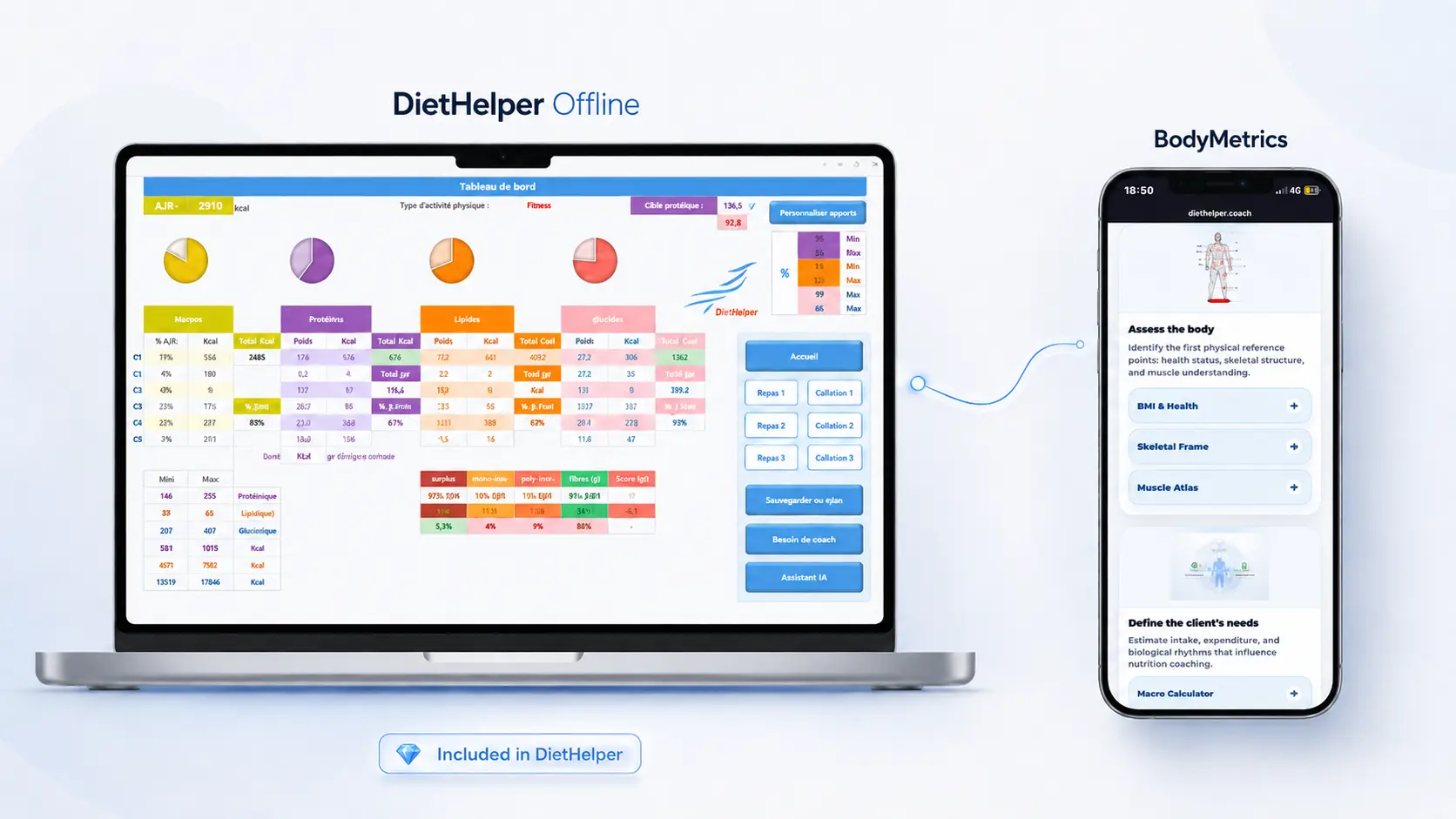
The new version of DietHelper Offline includes direct access to BodyMetrics. This access is not included in the DietHelper Offline trial: it requires an active BodyMetrics subscription or a separate BodyMetrics trial.
You can test DietHelper Offline on PC first, then activate BodyMetrics as well to explore the questionnaires, assessments, and online modules.
BodyMetrics includes a 7-day free trial. The Premium offer includes 12 months of BodyMetrics access.
DietHelper Offline
PC software to structure your nutrition coaching follow-ups and prepare client plans.
BodyMetrics
Separate online suite for assessments, questionnaires, and complementary modules.
DietHelper Offline Premium includes BodyMetrics for 12 months. The DietHelper Offline free trial remains intentionally separate.
Before downloading: check your setup
DietHelper Offline runs on a Windows PC with the desktop version of Excel installed. This check helps you avoid downloading software that will not run properly on your device.
Windows 10 PC or later
Recommended for stable compatibility with DietHelper Offline.
Excel 2016 or later
Desktop version only. Excel Online is not supported.
Not compatible
Mac, smartphone, tablet, Excel Online, and Google Sheets.
Important: if you use Mac, mobile, or Excel Online, DietHelper Offline will not run properly.
🎁 It’s free, commitment-free, and designed to test DietHelper Offline in real-world conditions.
Receive your download link and your 7-day trial license.